


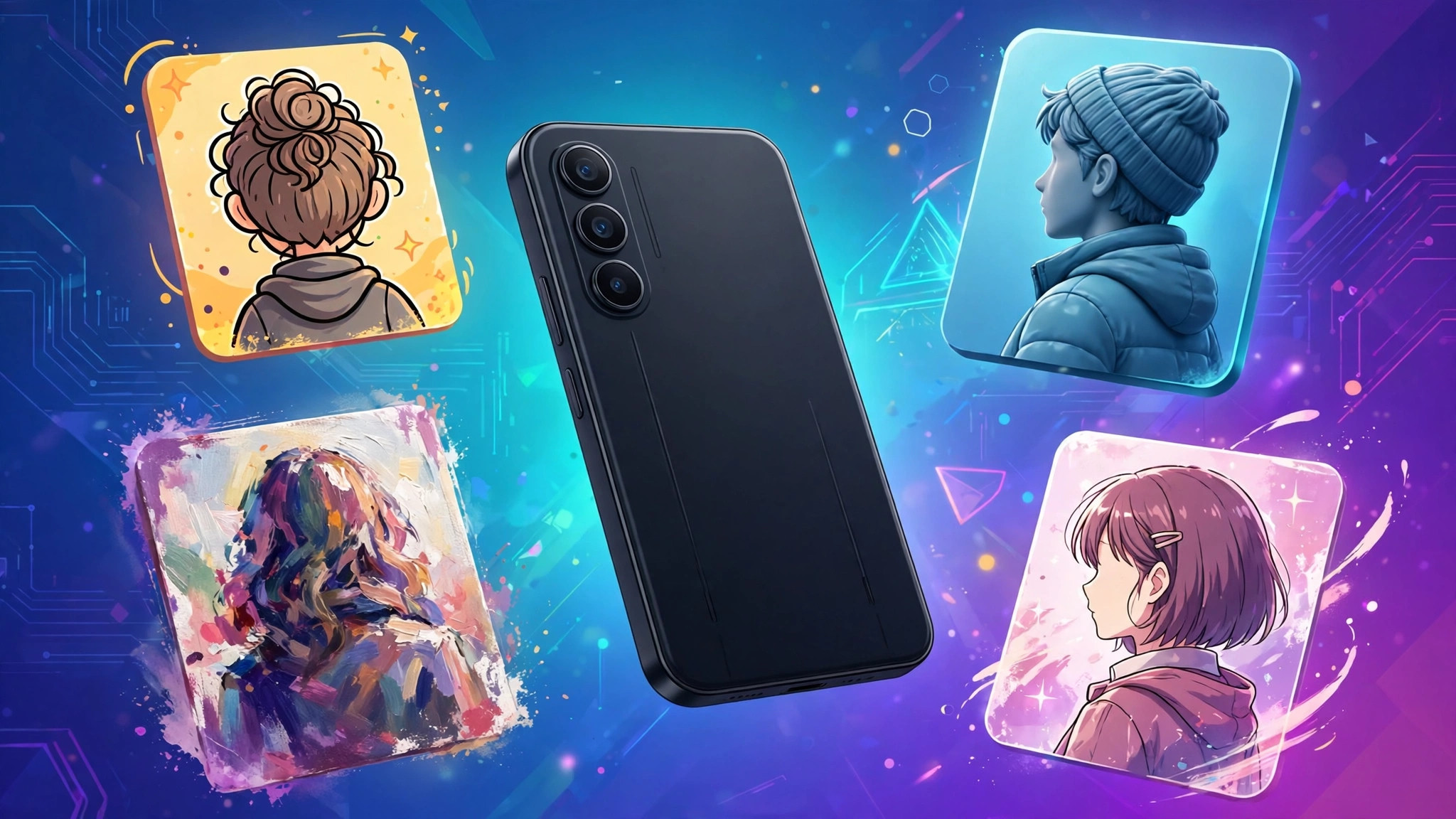
An ai avatar generator turns an ordinary selfie into a polished digital version of you: a professional headshot, a cartoon character, a game profile picture or even a talking video presenter. What once required a designer and a photo shoot now takes a few minutes and a handful of photos from your phone.
The tools in this guide cover the three jobs people actually want avatars for: static profile pictures, stylised artwork and video avatars that speak. We explain how each type works, what the best tools do well, and how to get a result that actually looks like you.
ai avatar maker
An ai avatar maker is the simplest category of tool: upload one or more photos, pick a style, and receive a set of generated portraits. Makers focus on speed and variety. A single session typically produces dozens of variations — corporate, anime, fantasy, cyberpunk, oil painting — so you can choose the one that fits your platform.
The best makers share three traits. First, they ask for several source photos at different angles, which dramatically improves likeness. Second, they separate style from identity, so changing style does not change your face beyond recognition. Third, they export at high resolution without a watermark on paid plans, which matters when the avatar becomes your public profile picture.
If your main interest is a speaking avatar rather than a still image, our case study of a HeyGen avatar workflow shows what the video side of this technology looks like in practice.
ai avatar creator
An ai avatar creator goes a step further than a maker: instead of only restyling photos, it builds a reusable digital character. Creators are built for people who publish content — streamers, educators, marketers and virtual influencers — because the same avatar can appear in video after video with consistent appearance and voice.
Video avatar creators let you type a script and have your avatar present it, with lip sync and gestures. Platforms such as HeyGen offer hundreds of stock avatars as well as custom avatars made from your own footage; its free plan includes a few videos per month, and paid plans start with a monthly credit allowance for regular publishing. Creators like this suit training videos, product explainers and multilingual content, where filming yourself repeatedly would be slow and expensive.
Expect a trade-off: creators are more powerful but slower and pricier than simple makers. If you only need a new profile picture, a maker is the smarter buy.
avatar generator ai
The technology inside every avatar generator ai tool combines two ideas. A face model learns the structure of your face from your uploaded photos — the spacing of features, skin tone, hair and typical expressions. A style model then re-renders that structure in a new artistic style or setting, keeping the identity while changing everything else.
This is why input quality decides output quality. Blurry, filtered or single-angle photos give the model little to learn from, and the results drift away from your real appearance. For the best likeness:
- Upload 8–15 clear photos with varied angles and expressions
- Avoid sunglasses, hats and heavy beauty filters in source photos
- Use natural light and a plain background where possible
- Include at least one photo with your everyday hairstyle
Tools differ mainly in how many photos they require. Some newer generators work from a single selfie, which is convenient but usually less accurate than multi-photo training.
create ai avatar
Here is the standard workflow to create ai avatar images that look professional:
- Pick the tool by job. Maker for profile pictures, creator for video, all-in-one editor for mixed use.
- Prepare source photos. Gather your clearest recent photos and check them against the list above.
- Upload and train. Multi-photo tools may take several minutes to build your face model.
- Choose styles deliberately. Generate a professional set and a fun set; platform norms differ, and a playful avatar that works on a gaming profile looks wrong on a CV.
- Review at full size. Check eyes, teeth and hair edges — the three places AI avatars most often fail.
- Export and store originals. Keep the unwatermarked high-resolution files; you will reuse them across platforms.
Our overview of Digen AI shows how one of the newer generator platforms structures this same workflow.
ai generated avatar
An ai generated avatar is used far beyond social profiles now. Remote teams use consistent avatar sets for company directories. Game developers prototype characters with them. Teachers create friendly presenter avatars for lessons, and small businesses produce spokesperson videos without a studio.
Style choice shapes how people read the avatar. Photorealistic avatars signal professionalism but attract the most scrutiny, because tiny errors make them look unsettling. Stylised avatars — illustration, 3D cartoon, anime — are more forgiving and often more memorable, which is why they dominate gaming and streaming. For business use, a clean illustrated style is usually the sweet spot: clearly a representation of you, without pretending to be a photograph.
Remember the rights question too. Most tools grant you usage rights to your generated avatars, but free tiers sometimes restrict commercial use or add watermarks. If the avatar represents your business, check the licence before printing it on anything.
Free vs Paid Avatar Tools
Free avatar tools are perfect for experimenting. They typically limit you to a small number of styles, lower resolutions, or watermarked exports, and some require watching ads or waiting in a queue. That is fine for a one-off profile picture.
Paid plans, which usually cost about the same as a streaming subscription, unlock the features regular users actually need: full style libraries, high-resolution downloads, commercial rights, faster generation and, for video creators, monthly minutes of avatar footage. If you publish content weekly, the paid tier pays for itself in saved studio time alone.
One middle path deserves mention: all-in-one editors. Our guide to AI Remaker covers a platform that bundles avatar generation with face swaps and other photo tools, which suits users who want several AI photo features in one place.
Choosing an Avatar Style That Fits the Platform
Different platforms reward different looks, and picking the right style is half the craft. On professional networks, choose clean, well-lit results — either realistic portraits or neat illustrated versions — and avoid heavy filters that undermine credibility. On gaming and streaming platforms, bold 3D or anime styles stand out in small sizes and match community norms.
For messaging apps and forums, expressive cartoon avatars communicate personality at a glance and remain recognisable even as tiny circular crops. Always test your favourite result at the size people will actually see it: shrink it to a thumbnail and check that the face still reads clearly. Busy backgrounds and fine detail disappear at small sizes, so simple compositions with strong contrast win. If you plan to use one identity everywhere, generate several styles in the same session while your face model is fresh, and keep a consistent colour scheme across them so your profiles feel like one brand.
Privacy and Safety With Avatar Tools
Avatar tools ask for the most sensitive upload of all: your face. Before training a model anywhere, read how the service handles your photos. Reputable tools state whether uploads are used to train shared models, how long your data is kept, and how to delete your face model permanently. Prefer services with a clear delete option, and avoid obscure apps that ask for broad photo-library access they do not need.
Be thoughtful about what you generate, too. Making avatars of other people without their consent — colleagues, celebrities, former partners — crosses ethical and often legal lines, and many platforms prohibit it. Keep avatars to yourself and fictional characters, and remember that a realistic generated image of a real person can mislead viewers even when you mean no harm. Most established tools now label or watermark AI outputs in some contexts for exactly this reason.
How Avatar Generators Are Used in 2026
Avatar generation has quietly become infrastructure. Customer-support teams deploy friendly illustrated agents that match their brand. Online courses use consistent presenter avatars so lessons can be updated by editing a script instead of re-filming. Indie game studios generate entire character rosters for prototypes in a weekend, then hand the best designs to human artists for final art. Even dating and social apps now include AI portrait tools to help users present better profile photos. The pattern is the same everywhere: the avatar handles the repetitive visual work, and humans spend their time on judgement, taste and final polish. Knowing which category you fall into — casual profile picture, working creator, or business user — makes choosing a tool straightforward, because each category has clear leaders and clear price expectations.
A Simple Test Before You Commit
Do not choose an avatar tool from screenshots alone. Run the same test everywhere: upload the same set of your photos, generate the same three styles — professional, cartoon and artistic — and compare the results side by side at profile-picture size. Score each tool on likeness, artefact-free hands and eyes, export resolution and how the free tier treats you. Twenty minutes of testing reveals more than any review, including this one, because likeness is personal: the model that captures your face best is the right tool for you, whatever its feature list says.
Frequently Asked Questions
What is the best ai avatar generator?
For video avatars, HeyGen is the most complete option. For still profile pictures, multi-photo makers inside editors such as Picsart produce strong likeness and many styles. The best choice depends on whether your avatar needs to move and speak.
Are AI avatar generators free?
Most offer a free tier or trial with limits on styles, resolution or exports. Full style libraries and commercial use normally require a paid plan.
How many photos do I need to upload?
Single-photo tools exist, but tools that accept 8–15 photos produce noticeably better likeness. More varied angles and expressions give the face model more to learn from.
Can I use an AI avatar for my business?
Usually yes on paid plans, which typically include commercial rights. Always check the specific tool’s licence, especially if the avatar will appear in advertising.
Why does my avatar not look like me?
Poor source photos are the main cause: filters, low light and a single angle all reduce accuracy. Re-train with clearer, varied photos before blaming the tool.
Conclusion
The right ai avatar generator depends on the job: a fast maker for profile pictures, a full creator for speaking video avatars, and an all-in-one editor when you want avatars alongside other photo tools. Give any tool good source photos, choose a style that matches the platform, and check the licence before going commercial. With those basics handled, you can produce a polished digital version of yourself in less time than a coffee break.
