


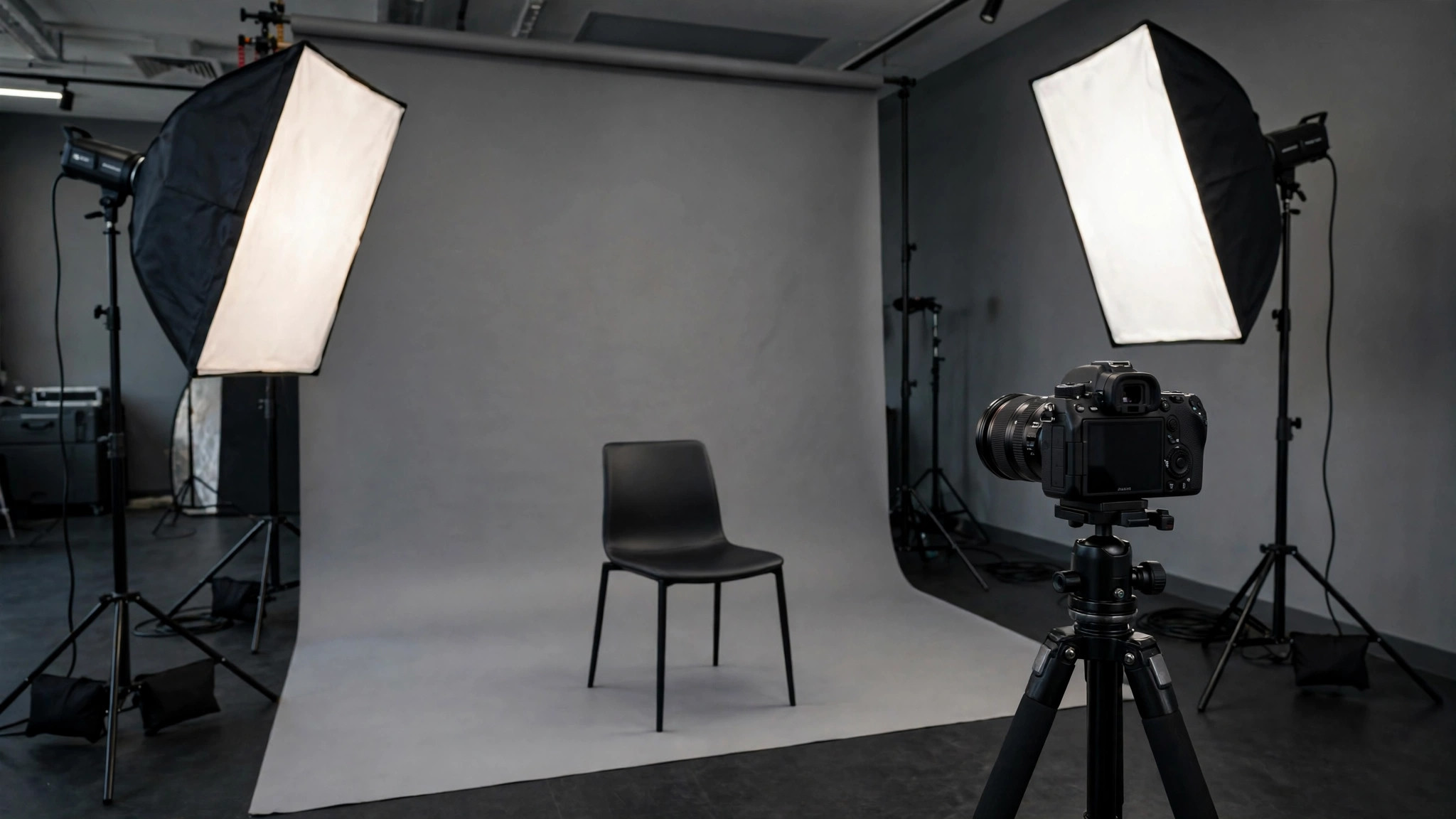
A professional headshot can cost hundreds of dollars once you add a photographer, studio time and retouching. An ai headshot generator free tool offers a shortcut: upload a few selfies, and the AI rebuilds them as studio-quality portraits with flattering light, clean backgrounds and business attire. For a LinkedIn profile, resume or company directory, the results are often more than good enough.
This guide explains how free headshot generators work, which features actually matter, how to prepare selfies that produce a believable likeness, and where the free tiers stop and paid upgrades begin.
ai headshot generator free
An ai headshot generator free service works in three stages. First, you upload a set of selfies — most tools ask for somewhere between five and twenty. Second, the AI studies your face and builds a model of your features. Third, it generates a gallery of headshots in different outfits, backgrounds and lighting setups, from which you pick the winners.
The free part usually means one of three models: a small number of free generations per day, a watermarked or lower-resolution export, or a free trial of a paid product. Any of these is enough to test whether the tool captures your likeness before you spend anything.
Tools such as Canva include headshot-style AI apps inside a broader design platform, while dedicated headshot generators focus on nothing but portraits. If you already pay for a design suite, check what is bundled before buying a separate service.
ai headshot creator
A good ai headshot creator is judged on one thing above all: likeness. A headshot that looks like a glamorous stranger is useless for professional identity, because colleagues and clients must recognise you from it. The best creators preserve your face shape, features and age while improving everything around them — light, skin rendering, background and clothing.
Pay attention to how much control the creator gives you. Useful options include:
- Choice of attire styles, from business formal to smart casual
- Background options: studio grey, office, outdoor blur or plain colours
- Aspect ratios for LinkedIn squares, website banners and ID-style crops
- The ability to regenerate a single shot instead of the whole batch
- Honest skin rendering that keeps moles, glasses and facial hair
Creators that let you delete your uploaded photos and trained model afterwards also deserve credit. Your face data is sensitive, and a clear deletion policy is a genuine feature, not fine print.
ai headshot professional
What separates an ai headshot professional result from an obvious AI picture? Usually four details. Eyes must be sharp, symmetrical and looking at the camera. Skin should keep natural texture; over-smoothed skin is the fastest route to the plastic AI look. Hair needs clean edges without the halo or melting strands that older generators produced. Clothing should sit naturally at the shoulders and neck, because awkward collars instantly reveal the trick.
Professional generators also think about consistency. If your whole team generates headshots in the same style, your company page looks like it held a real photo shoot. That consistency — same background family, same lighting mood, same crop — is exactly what distributed and remote companies use these tools for.
Our guide to AI Remaker shows a related set of face-focused AI tools you can combine with headshot generation for a complete profile makeover.
professional ai headshot generator free
Finding a professional ai headshot generator free of watermarks and heavy limits takes a little testing, because pricing pages are not always clear about what “free” includes. Use this checklist when you evaluate a tool:
- Export quality. Is the free export at least 1024px on the long edge? Anything smaller looks soft on modern profile pages.
- Watermark policy. Some tools preview clean images but stamp the download. Check before you invest time training the model.
- Turnaround. Free tiers often queue behind paying users; a “free” result that takes two days may still be fine if you are not in a hurry.
- Commercial rights. If the headshot will appear on a business website or in advertising, confirm the free licence allows commercial use.
- Photo requirements. Tools needing fewer, simpler selfies are more convenient, but multi-photo training usually wins on likeness.
professional headshot ai generator
A professional headshot ai generator is only as good as the selfies you feed it. Follow these preparation rules and your results will improve more than any plan upgrade could achieve:
- Shoot in soft, even light — facing a window on a cloudy day is ideal
- Keep the camera at eye level and look directly into it
- Take photos on several days, with different expressions and slight angle changes
- Remove sunglasses and hats; keep glasses on if you normally wear them
- Avoid group photos, heavy filters and beauty modes
- Use a plain background so the AI reads your face and hair cleanly
If you are new to generating portraits from photos, our beginner guide on how to create AI images explains the prompting and selection habits that apply here too.
free professional ai headshots
Are free professional ai headshots good enough for real use? For profiles, directories and social accounts, honestly yes. Reviewers and recruiters view headshots at small sizes, where current-generation tools are convincing. The limits appear when you print large, when your role demands absolute authenticity — journalism, law enforcement, some executive contexts — or when the tool’s free tier restricts resolution.
There are also honest-use considerations. A headshot should represent the real you, tidied up — not a younger, thinner stranger. Most platforms and employers accept AI headshots that preserve likeness; passing off a heavily altered face is a trust problem, not a technology problem. Keep edits in the same territory as good lighting and light retouching, and you stay on safe ground.
A practical approach for job seekers: generate a batch for free, shortlist three, and ask a friend which one looks most like you on an ordinary day. That ten-second test catches the uncanny results your own eyes have stopped seeing.
AI Headshots for Whole Teams
Individuals are not the only users. Companies with remote staff use AI headshot generators to give an entire team a matching visual identity without flying everyone to one studio. The workflow scales well: each employee uploads selfies privately, picks from the same style pack, and the marketing team receives uniform portraits with identical backgrounds and crops.
Done well, this solves a real problem — the mismatched directory page where one person has a studio portrait, another a wedding crop and a third a car selfie. Done badly, it produces a wall of eerily similar faces. The fix is variety inside the template: allow several poses, background shades and outfit options within the shared style, so the page looks coordinated rather than cloned. If your team is refreshing its whole visual identity, our guide to clothes swapper AI explains how virtual outfit changes can extend the same shoot into new looks without another session.
Troubleshooting Unconvincing Results
When headshots come back looking “off,” the cause is usually one of four things. Changed features — a slimmer face or different nose — mean the model had too little clean data; add more varied selfies and retrain. Strange eyes or teeth are generation artefacts; regenerate the single image rather than the whole set, and pick a plainer expression. Wrong age often comes from old or heavily filtered source photos, so include recent, unedited pictures. Wardrobe errors, such as melted collars or impossible jewellery, are fixed by choosing simpler outfit styles with clean lines.
A final trick: compare the generated headshot with a real photo of yourself side by side at small size. At profile-picture scale most artefacts vanish, and what remains is the only thing your audience will ever see. Judge the tool at that size before paying for a different one.
AI Headshots vs a Real Photo Shoot
A studio shoot still wins on authenticity: a skilled photographer directs your expression, catches natural moments and delivers images that survive billboard-sized printing. It also wins on trust for public-facing roles where audiences scrutinise images closely. But the comparison is rarely fair, because the real alternative for most people is not a studio session — it is an old holiday photo cropped at a wedding.
Measured against that reality, AI headshots are a clear upgrade: consistent light, professional clothing, clean backgrounds and a current hairstyle, delivered the same day for little or no money. Many professionals now use both — AI versions for directories, profiles and internal pages, and a periodic real shoot for keynote bios and press. If you generate your own, spend the saved budget on the one thing AI cannot fake: a good recent set of source selfies taken with care.
How Long Does It Take and What Does It Cost Overall?
Most generators deliver a finished batch within minutes to a few hours depending on queue length and whether you are on a free or paid tier. Free trials typically include a handful of finished images, while paid packages bundle a larger gallery with several styles and backgrounds. Compared with even a budget studio session — sitting fee, outfit changes, retouching charges and travel — the AI route is dramatically cheaper and faster, which is precisely why it has become the default first step for a new profile photo. Spend your savings of time and money on selecting carefully: the picking, not the generating, is where quality is decided.
Frequently Asked Questions
Is there a truly free AI headshot generator?
Yes, several tools offer free generations or trials. Expect limits on quantity, resolution or watermarks; a completely unlimited, high-resolution free service is rare because the computing cost is real.
How many selfies do I need?
Most tools ask for 5–20 photos. More variety in angle, light and expression produces a more accurate face model and better headshots.
Can I use AI headshots on LinkedIn?
Yes, AI headshots are widely used on LinkedIn, provided they genuinely look like you. Choose a result that matches your current appearance, including glasses and hairstyle.
Do AI headshot tools keep my photos?
Policies differ. Reputable tools state how long uploads and trained models are stored and let you delete them. Read the privacy policy before uploading, and prefer tools with a clear deletion option.
Why do my AI headshots look wrong?
Usually the input photos: poor light, filters or too little variety. Retake selfies following the preparation rules above and regenerate before judging the tool.
Conclusion
An ai headshot generator free tier is the fastest, cheapest way to a profile photo that looks like it came from a studio. Prepare varied, well-lit selfies, judge tools on likeness rather than glamour, check the watermark and licence terms, and pick the result that looks like you on a good day. For most professional profiles, that is everything a headshot needs to do.
