


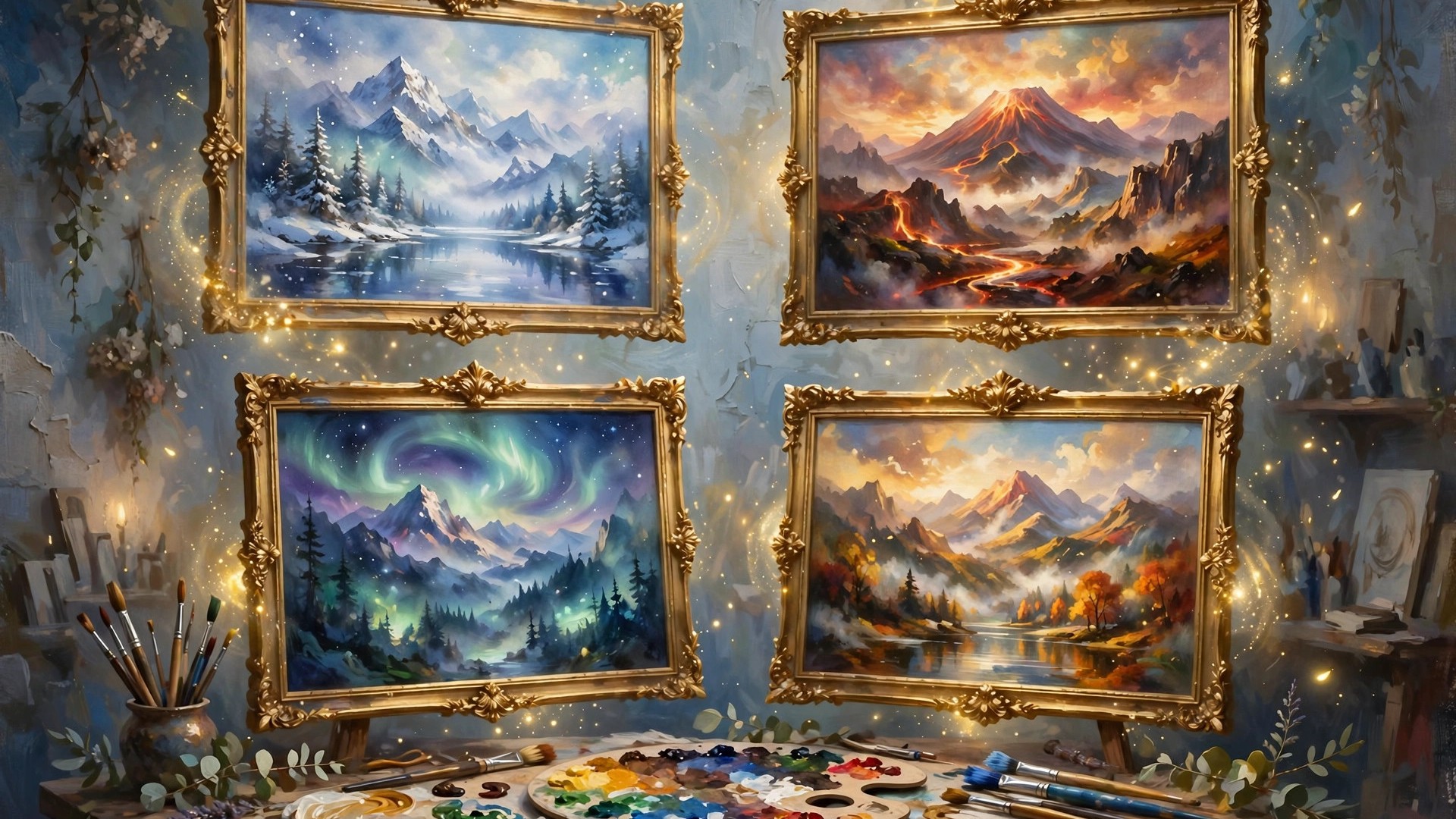
Midjourney is the image generator that set the quality bar for everyone else. Its distinctive, polished look made it the default choice for book covers, concept art, album artwork and marketing visuals, and it remains the tool professionals name first when asked which AI art tool produces the best images.
This Midjourney review looks at how it works in 2026, what the four subscription plans really give you, where it beats the competition and where it genuinely annoys, so you can decide if it deserves a place in your workflow.
midjourney ai
Midjourney AI is a text-to-image generator developed by the independent research lab Midjourney, Inc. You describe an image in words, and the model returns a grid of four interpretations, which you then upscale, vary or edit until one matches your vision.
Two things set Midjourney apart from the pack. The first is taste: its default aesthetic leans cinematic and painterly, so even casual prompts tend to produce images that look art-directed rather than generated. The second is prompt understanding: it handles layered descriptions of subject, style, mood and composition unusually well, which is why illustrators and art directors adopted it early.
You can use Midjourney through its web app at midjourney.com, which is now the main experience, or through the original Discord bot. Both access the same models and your same account and gallery.
mid journey
People often type mid journey as two words, but it is the same single product. One point confuses every newcomer, so let us clear it up immediately: there is no free version of Midjourney. Access requires a paid subscription, and the occasional free trials of the past are not a standing offer.
That paywall shapes who Midjourney suits. Casual users who generate a handful of images a month are better served by a tool with a free tier, such as Leonardo or Ideogram. People who produce images weekly for clients, products or publishing find the subscription easy to justify, because a single usable cover or campaign visual can repay a month of fees.
Every paid plan includes general commercial usage rights for the images you create, under Midjourney’s terms. The main differences between plans are how much fast generation time you get, whether you can work in Relax mode, and whether your images stay private.
midjourney ai image generator
As a Midjourney AI image generator, the platform’s workflow is built around iteration rather than one-shot perfection:
- Imagine prompts: Type a description and get four variations. Prompts accept parameters for aspect ratio, stylization, chaos (variety) and model version.
- Upscaling and variations: Pick a promising result, then upscale it for final quality or generate subtle or strong variations to explore nearby ideas.
- Image references: Supply an image URL or upload to guide composition, character or style, so new generations match an existing look or person.
- Editor and inpainting: Modify specific regions of an image, extend it beyond its borders, and retexture areas, all inside the web editor.
- Video generation: Recent Midjourney versions also animate images into short video clips, with higher resolutions and longer relax-mode allowances on the upper plans.
- Personalization and moodboards: Train the model on your taste by rating images, and save style collections so a whole project shares one visual language.
The learning curve is real but rewarding. Your first session produces decent images; your tenth, once you learn parameters and references, produces work that is hard to match elsewhere. Our category roundup of the best AI image generators shows how it compares with Leonardo, Ideogram and Canva on the same tasks.
midjourney image generator
Judged purely as a Midjourney image generator, output quality is the headline. Photorealistic prompts produce convincing skin, light and depth of field. Illustrative styles, from watercolor to retro poster to 3D render, are consistent and controllable. Text rendering has improved across versions but remains a weaker spot than Ideogram, which was built specifically for typography.
Speed depends on your mode. Fast mode renders in well under a minute typically, drawing from your monthly GPU hours. Relax mode, available on Standard and above for images, is slower and queued, but unlimited, which makes it ideal for exploration and background batch work once you know the look you want.
The honest weaknesses are control and predictability. Precise layouts, exact repeated characters and literal product shots take effort and reference images, and sometimes a design tool with layers is simply the right instrument. Midjourney rewards an artistic brief, not a engineering specification.
mid journey ai
Pricing for mid journey ai is a subscription based on GPU time rather than image counts. The official plan comparison lists four tiers:
- Basic ($10/month): About 3.3 hours of Fast GPU time per month, no Relax mode, up to 3 concurrent fast jobs. Enough for occasional use and learning.
- Standard ($30/month): 15 Fast GPU hours plus unlimited Relax image generation in Relax mode. The sensible default for regular creators.
- Pro ($60/month): 30 Fast GPU hours, unlimited Relax images and SD video, and Stealth Mode, which keeps your generations private. Required if client work must not appear in the public gallery.
- Mega ($120/month): 60 Fast GPU hours and the highest job concurrency, built for studios and heavy production.
Annual billing takes 20 percent off, bringing the plans to $8, $24, $48 and $96 per month respectively. Extra Fast GPU time costs $4 per hour on any plan. Remember that Fast hours do not roll over, so an oversized plan quietly wastes money.
We break the value math down further in our dedicated Midjourney pricing guide, including how many images a Fast hour actually buys at current speeds.
midjourney ai generator
Getting started with the Midjourney AI generator takes about ten minutes:
- Subscribe on the official website with a Google or Discord account and pick a plan (Standard is the sweet spot for most).
- Write your first prompt in the web app’s Imagine bar. Start simple: subject, setting, style, lighting.
- Learn three parameters: aspect ratio (–ar), stylize (–stylize) and chaos (–chaos). These three change results more than any prompt poetry.
- Iterate deliberately. Upscale the strongest grid result, then use variations and region editing rather than re-rolling the whole prompt.
- Use references for consistency. Drop in a style or character reference whenever a project needs more than one image.
- Organize as you go. Folders and ratings in the web app save real time once your gallery passes a few hundred images.
If you want the full beginner walkthrough, including Discord commands, read our guide on what Midjourney is and how to use it.
Who should use Midjourney, and who should skip it
Midjourney rewards people who make images repeatedly and care how they look. Book cover designers, illustrators building a portfolio style, game and film concept artists, marketers who need campaign visuals weekly, and print-on-demand sellers all get clear value, because the subscription replaces stock purchases and photoshoots that cost far more.
It is also a strong learning tool. Studying why one variation works teaches composition, lighting and color faster than most tutorials, and the community gallery is a free masterclass in prompt writing if you pay attention to what the best creators type.
Skip it if your image needs are occasional or purely functional. A blogger who needs two simple graphics a month will be happier with Canva’s built-in generator or Leonardo’s free tokens. Skip it if every image must show an exact product with an exact label, because photographic product work still belongs to cameras and layer-based editors. And skip it if your work is confidential and your budget cannot stretch to Pro: on lower plans your gallery is public by default, which is a real constraint for client projects under NDA.
The middle path most professionals take is a small stack: Midjourney for hero images and concepts, a design tool like Canva for layouts and text, and an editor for final cleanup. Midjourney does the part it is best at — the picture itself — and does not pretend to be the whole pipeline.
Pros and cons
Pros
- Best-in-class image quality and artistic taste out of the box
- Powerful style, character and image reference system
- Unlimited Relax generation on Standard and above
- Web editor with inpainting, outpainting and retexture
- Commercial usage rights included on every paid plan
Cons
- No free plan or standing free trial
- Your images are public by default unless you pay for Pro or Mega Stealth Mode
- Text in images still trails Ideogram
- GPU-hour pricing confuses beginners and unused hours expire
- Precise layout control is weaker than in layer-based design tools
Frequently Asked Questions
Is Midjourney free?
No. Midjourney requires a paid subscription starting at $10/month for the Basic plan. There is no permanent free tier.
Can I use Midjourney images commercially?
Yes, paid plans include general commercial terms for the images you generate. Companies above a certain revenue threshold have historically needed higher plans under Midjourney’s terms, so check the current terms if you are a large business.
What is the difference between Fast and Relax mode?
Fast mode uses your monthly GPU hours and renders quickly with priority. Relax mode is unlimited on Standard and above but queues your jobs, so images take longer. Basic has no Relax mode.
Does Midjourney work without Discord?
Yes. The web app at midjourney.com is now the primary interface, with the full editor, folders and settings. Discord remains an alternative way to generate.
Which Midjourney plan is best?
Standard at $30/month suits most creators thanks to unlimited Relax images. Choose Pro if you need Stealth Mode for private client work, and Mega only if you consistently exhaust 30 Fast hours.
Verdict
Midjourney is still the image generator to beat on quality, and its subscription is easy to justify if images are part of your income. It is the wrong tool if you need free access, guaranteed privacy on a budget, or pixel-exact design control. Everyone else should start with Standard, learn references and parameters properly, and let the results argue for the tool. Plans and sign-up are on the official Midjourney website.
