


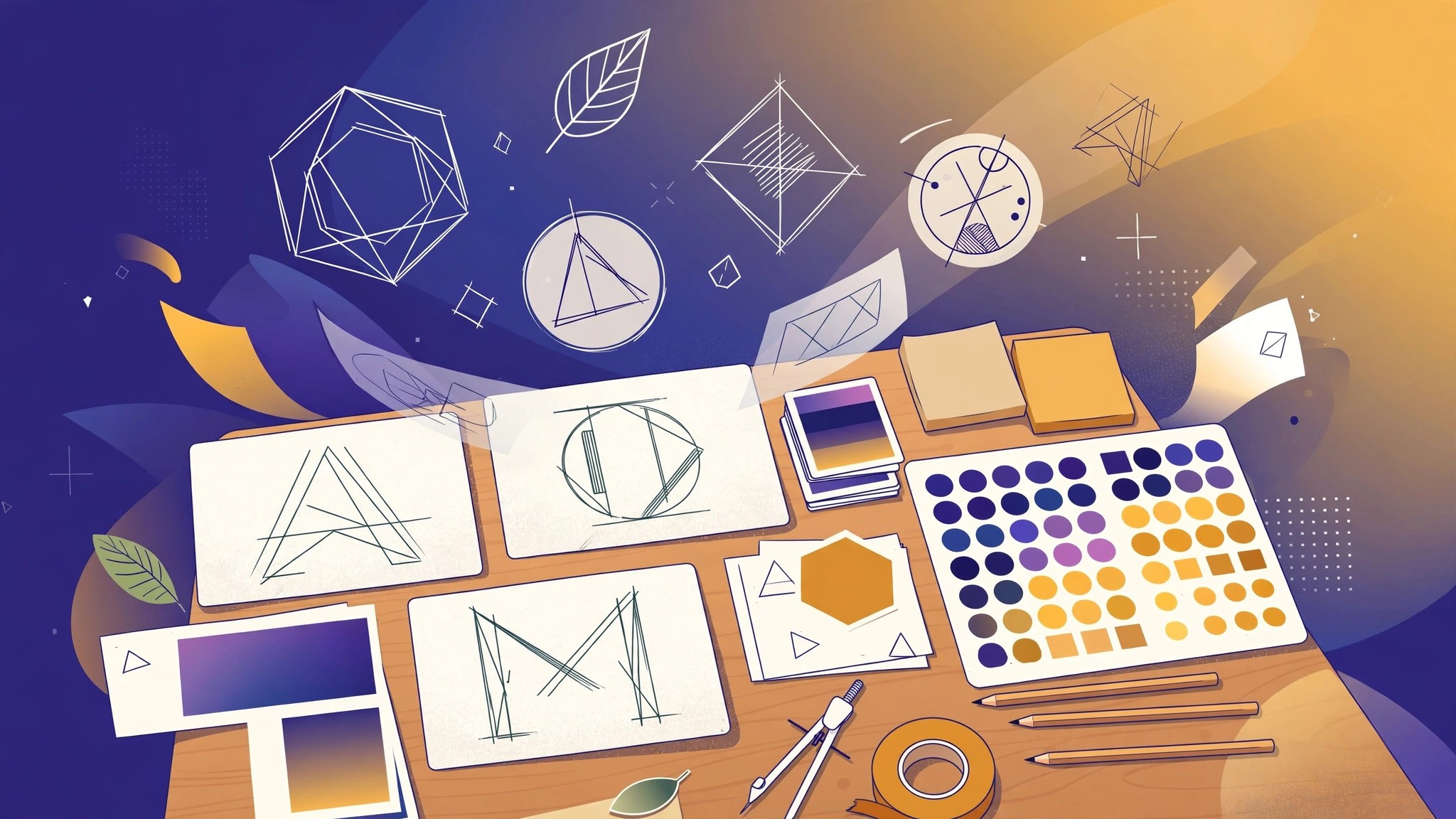
An AI logo maker can take a new business from a name to a presentable logo in an afternoon, for less than a single hour of a designer’s time. That speed is real, and so are the traps: raster files that cannot scale, designs that quietly resemble a competitor’s, and logos you do not actually own the rights to use everywhere.
This guide compares the best AI logo maker tools for 2026 — the dedicated logo platforms and the AI generators that handle logos well — and explains the file, rights and trademark checks that separate a fun experiment from a brand asset.
logo maker ai
A logo maker AI comes in two flavors. Dedicated logo platforms interview you — business name, industry, style preferences, colors — and generate logo concepts from templates and design rules, then sell you the files, usually with a brand kit. General AI image generators take a text prompt and create the logo as an image, giving you more originality and less structure.
The difference that matters most is the output file. Logos need to live everywhere: a website header, a shop sign, an app icon, a 2-centimeter invoice stamp. That requires vector files (SVG, EPS or PDF) that scale infinitely. Dedicated platforms export vectors natively. Image generators produce raster images (PNG/JPG) that must be vectorized afterward, which adds a step and sometimes a cleanup cost.
Neither route replaces a brand designer for a company raising money or building a flagship identity. Both routes are excellent for launches, side projects, events and testing a concept before investing in the full identity.
logo design ai
Good logo design AI output follows the same rules as good human logo design, so judge results by them:
- Simple: Readable at favicon size, in one color, from across a street.
- Appropriate: A law firm’s mark should not look like a game logo, however pretty it is.
- Distinctive: If it could belong to any company in your industry, it belongs to none of them.
- Timeless over trendy: Gradient blobs and this year’s font date a business fast.
- Systematic: The logo is the start of a kit — colors, fonts, icon-only and horizontal versions — not a single file.
The tools below differ in how much of this system they give you, which is the real basis for choosing.
ai logo creation
These are the AI logo creation tools we recommend in 2026.
Looka
Looka is the benchmark dedicated platform: a guided flow from name and industry to hundreds of concepts, then an editor to refine the winner. Its paid packages deliver the files that matter — vector formats included — plus a brand kit with social profiles, business card designs and brand guidelines. For a founder who wants the logo problem solved in a day, Looka is the default answer.
Brandmark
Brandmark takes a more design-forward approach, generating distinctive marks and pairing them with a full identity system: color palettes, typography and applications. It suits users with a stronger eye who want concepts that look less templated, and its packages similarly focus on complete, usable file sets.
Ideogram
Ideogram is the generator route’s champion because of its text rendering: it can produce a logo with your business name actually spelled correctly and styled as lettering, which most generators botch. The workflow is prompt, iterate, then clean up and vectorize the winner. Our Ideogram AI review explains its text strengths in detail. Best for distinctive, display-style logos and wordmarks.
Canva
Canva’s logo tools combine templates with its Magic Studio AI generation, and its Brand Kit keeps your logo, colors and fonts applied consistently across every design you make afterward. If your “brand” is really a stream of social content, that ongoing consistency beats a marginally better logo file. See our Canva AI review for the credit and plan details.
LogoAI and similar generators
A tier of dedicated generator sites (LogoAI and its peers) offers quick concept generation at low one-time prices. Quality and file completeness vary more here, so check exactly which formats and rights the package includes before paying.
The DIY generator route
Skilled users generate concepts in a general image tool from our best AI image generators guide, then vectorize and refine the winner in a vector editor. You get maximum originality and maximum work; it suits designers, not founders in a hurry.
logo creation ai
Whichever logo creation AI you use, run this checklist before the logo touches anything public:
- Get the vector. SVG or EPS master file, plus PNG exports in color, black and white versions.
- Check it small and in one color. If it fails as a 16-pixel favicon or a fax-era black stamp, simplify it.
- Search for lookalikes. Reverse-image-search your final mark and browse your industry’s leaders; resemblance is a legal and branding risk.
- Run a trademark sanity check in your country’s trademark database for your industry class. AI tools do not clear trademarks; the responsibility is yours.
- Confirm the license. Your purchase or plan must grant full commercial use and, ideally, exclusive rights to the final files.
- Save the kit. Colors (hex), fonts (names and licenses) and spacing rules, so every future use stays consistent.
ai logomaker
Pricing for an AI logomaker is usually one-time rather than subscription: dedicated platforms commonly charge a package fee for the logo files, with higher tiers adding the full brand kit and more formats. Generator subscriptions instead meter your logo work inside a general credit pool — fine if you already subscribe for other work, wasteful if logos are all you need.
The value calculation is straightforward. A freelance logo commission typically runs from a few hundred to a few thousand dollars with revisions over weeks. An AI package costs a small fraction of that and finishes today, at the price of originality and strategic depth. For a first launch, market stall, event, podcast or side project, the AI route is usually the rational one. For a funded company’s flagship identity, treat AI concepts as the brief for a human designer, not the final answer.
How to brief an AI logo maker for better concepts
The quality of AI logo concepts tracks the quality of your brief, and most users brief badly: a name and an industry, nothing else. Add the decisions a designer would ask about. Who is the customer, and what should they feel in two seconds — trustworthy, playful, premium, rebellious? Which three competitors should you visibly not resemble? Which symbols are literal for your trade and which are clichés to avoid (the roof over the real-estate name, the tooth for the dentist)?
Style references help enormously. Naming a direction — “Scandinavian minimal,” “vintage badge,” “bold geometric sans” — collapses the search space onto coherent results. So does deciding the logo type before generating: a wordmark (name only), a lettermark (initials), an icon-plus-name combination or an emblem. Founders who skip this choice get a pile of unrelated concepts and call the tool random.
Generate wide, then judge coldly. Save twenty concepts, sleep on them, and test the top three at small size, in black only, next to your top competitors’ marks. The logo that survives those three tests is rarely the one that looked most exciting in the first grid, and it is almost always the right one.
Common AI logo mistakes
Three mistakes recur. The first is choosing complexity: fine lines and gradients that vanish at small sizes and cannot be embroidered, stamped or faxed (yes, some industries still stamp). The second is marrying a trend — the current generator aesthetic is recognizable, and a logo that screams its birth year ages your business prematurely. The third is skipping the paperwork: no vector master saved, no font license noted, no trademark search done. Every one of those is a small bill that arrives later with interest.
Frequently Asked Questions
What is the best AI logo maker?
Looka is the best all-round dedicated platform for founders. Ideogram produces the most distinctive wordmarks and text-based logos. Canva wins if the logo lives inside ongoing social content.
Can I trademark an AI-generated logo?
Trademark law varies by country, and purely AI-generated work has unsettled copyright status in several jurisdictions. Many businesses use AI logos commercially, but for a valuable brand, get the final mark reviewed — and ideally refined — by a designer and checked by a trademark professional.
What file format should a logo be?
Vector (SVG, EPS or AI/PDF) as the master, because it scales to any size. Export PNGs with transparent backgrounds for web use, including a one-color black and a white version.
Are AI logos unique?
Not guaranteed. Generators can produce marks similar to existing ones, and dedicated platforms may reuse design elements across customers. Always run lookalike and trademark checks on your final choice.
How much does an AI logo cost?
Typically a one-time package in the tens of dollars on dedicated platforms, or part of a general AI subscription on generator platforms. Far less than a freelance commission either way.
Can I edit my logo after downloading?
On dedicated platforms, yes, inside their editor while your project is saved. With generator output, you edit the image in an image or vector editor; keep the master files and fonts documented.
Conclusion
Choose Looka or Brandmark when you want the whole problem solved — files, kit and all. Choose Ideogram when the name itself is the design and text accuracy matters. And whichever tool you pick, do the boring checks: vector file, small-size test, lookalike search and license confirmation. That is the difference between a logo and a liability. Start comparing concepts on the official Ideogram website or a dedicated platform today.
