


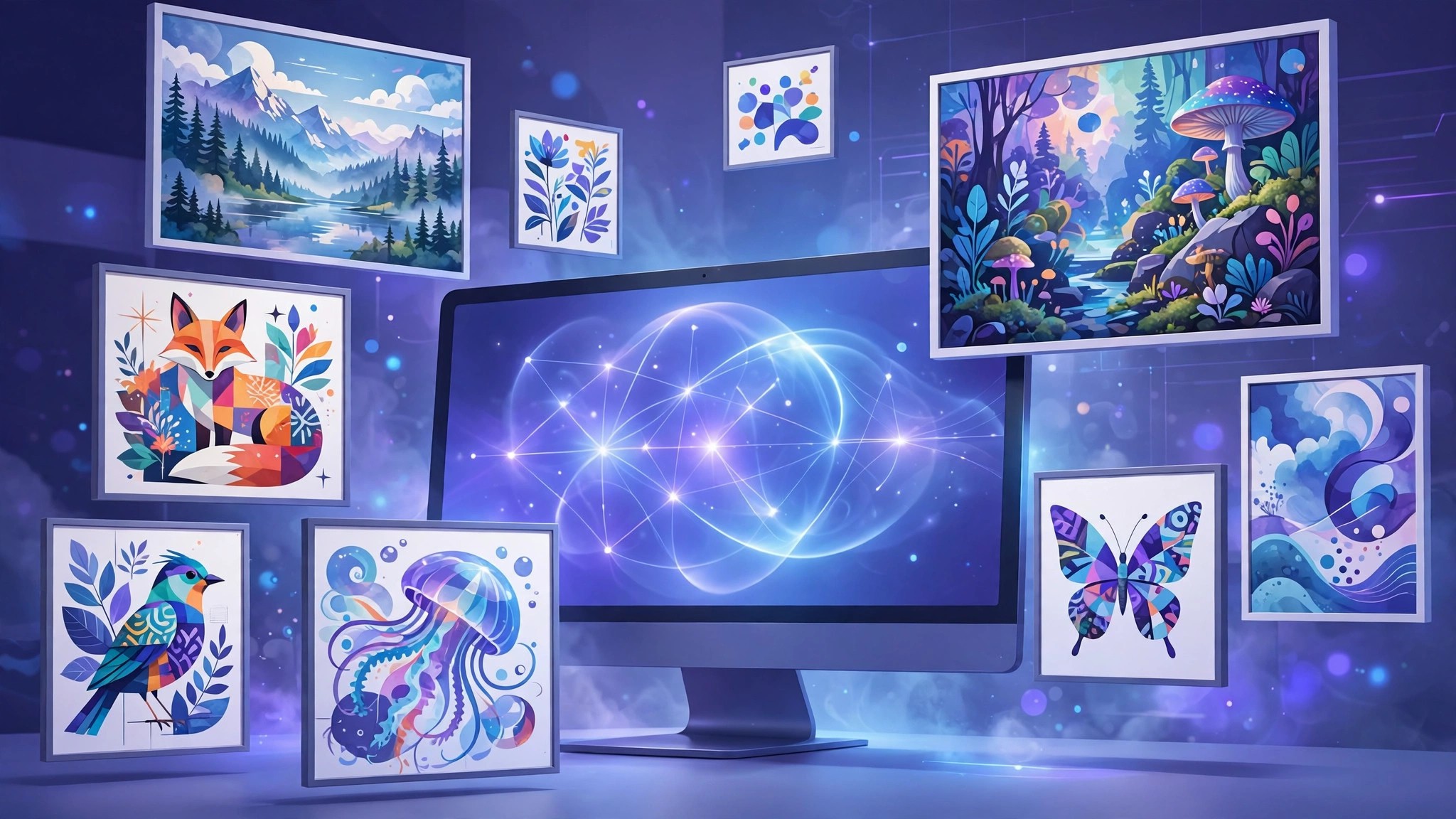
An AI image generator turns a written description into a finished picture in seconds, and in 2026 these tools have become good enough for blog graphics, product mockups, social posts, book covers and concept art. The hard part is no longer finding one. It is choosing between dozens of similar-sounding options.
This guide compares the AI image generator tools that actually matter right now. We look at what each one does best, what it costs, where it struggles, and who should pick it, so you can stop testing random apps and start creating.
image generator ai
An image generator AI is a model trained on huge collections of images and captions. When you type a prompt such as “a cozy cabin in the snow at dusk, watercolor style,” the model predicts what that scene should look like and builds it pixel by pixel.
Modern tools wrap that model in a friendly editor. You get style presets, aspect ratios, upscaling, variations and editing tools like inpainting, where you repaint one part of an image, and outpainting, where you extend the canvas beyond the original frame.
The quality jump in the last two years came from better text understanding. Today’s best tools follow long, detailed prompts, keep characters consistent across images, and in the case of a few specialists, even render readable words inside the picture.
ai generator image
Not every AI generator image workflow starts from text alone. Understanding the main modes helps you pick the right tool for the job:
- Text to image: You describe the scene and the tool creates it from scratch. This is the classic mode for illustrations, covers and concept art.
- Image to image: You upload a photo or sketch and the tool restyles it, for example turning a selfie into an anime portrait.
- Inpainting and editing: You mask one area, such as a hand or a product label, and describe a replacement.
- Outpainting or expand: The tool extends an image beyond its edges, useful for turning a square photo into a wide banner.
- Reference-based generation: You supply a character or style reference so new images stay consistent with it.
If your work is mostly marketing graphics, editing modes matter as much as raw generation. If you create art from scratch, prompt control and style range matter more.
picture ai generator
Here are the picture AI generator tools we recommend most, based on output quality, pricing and ease of use.
Midjourney
Midjourney is the quality benchmark for artistic, painterly images. It runs through a web app and Discord, follows complex prompts well, and produces the kind of polished look designers use for covers and campaigns. Our full Midjourney AI review covers its plans in depth. Pricing is subscription-only: Basic starts at $10/month, and there is no permanent free tier, which is its biggest downside.
Leonardo AI
Leonardo AI is the best all-round studio for beginners and game or product designers. It offers a free plan with daily tokens, custom model training, an AI canvas editor and strong preset styles. Paid plans start at $12/month. See our Leonardo AI review for the full breakdown of tokens and features.
Ideogram
Ideogram is famous for one skill rivals still fumble: rendering accurate text inside images. Posters, logos, T-shirt graphics and memes come out with correctly spelled words. It has a free tier for testing and paid plans from $20/month. It is covered in depth later in this batch alongside the other specialist tools.
Canva Magic Media and Dream Lab
If you already design in Canva, its built-in generator is the fastest option. You create an image and drop it straight into a presentation, post or flyer without switching apps. Generation quality trails the dedicated tools, but the convenience is hard to beat, and Canva’s free plan includes a limited number of AI uses.
PicsArt AI Image Generator
PicsArt pairs generation with a full mobile photo editor, so it suits social media creators who want to generate, edit and post from one phone app. Its free tier covers casual use, and paid plans unlock the premium AI tools and asset library.
Freepik AI
Freepik’s generator sits inside a huge stock library, which makes it handy when a project mixes AI images with real photos, icons and templates. It is a practical pick for content teams producing blog and social graphics at volume.
What can you make with an AI image generator?
The use cases explain why these tools spread so fast. Bloggers generate custom featured images instead of reusing the same stock photos as every competitor. E-commerce sellers mock up product scenes and lifestyle shots before a real photo shoot exists. Indie authors design book covers, game developers prototype characters and environments, and real estate agents stage empty rooms virtually.
Social media is the biggest everyday use. A creator who once spent an hour hunting stock sites can now produce a week of on-brand visuals in one sitting, each sized for a different platform. Educators build diagrams and illustrations for lessons, while YouTubers design thumbnails that would previously have needed a designer.
There are limits worth knowing. Generators still stumble on complex hand positions, exact product labels and strict brand guidelines. Treat the output as a very strong first draft: for professional work, a quick pass in an editor to fix small flaws is normal, and the tools in this guide increasingly include those editing features built in.
How we chose these AI image generator tools
We judged every AI image generator on five things: output quality on real prompts, how faithfully it follows instructions, editing features, pricing fairness (including whether a free tier exists), and licensing clarity for commercial work. Tools that only wrap someone else’s model with a markup and no extra features did not make the list.
We also weighed how a tool treats beginners. Preset styles, prompt helpers and sensible defaults matter, because most people searching for a generator are not professional artists. They want a good image quickly, with the option to go deeper later.
generate image ai
Generating your first image follows the same basic flow in almost every tool:
- Write a clear prompt. Name the subject, the setting, the style and the lighting, in that order. “A red bicycle leaning on a brick wall, morning light, editorial photography” beats “a bike.”
- Pick an aspect ratio. Wide 16:9 for banners and video thumbnails, square for feeds, vertical for stories and pins.
- Choose a style or model. Photorealistic for product shots, illustration styles for covers and characters.
- Generate variations. Create a batch, pick the strongest composition, then upscale or refine that one instead of starting over.
- Edit the details. Use inpainting to fix hands, faces or text before you export.
ai image generate
Prompt quality decides most of your results when you let an AI image generate your artwork. A few habits separate beginners from power users:
- Describe the photo or artwork as if briefing a human artist who cannot ask questions.
- Add camera and lens language for photos, such as “shot on 35mm, shallow depth of field.”
- Use negative prompts, where the tool supports them, to exclude blur, extra fingers or watermarks.
- Keep one reference image for recurring characters so your series looks consistent.
- Generate wide, then crop. Cropping a strong composition beats forcing an awkward one.
aiimage generator
Free and paid plans differ in three practical ways. A free aiimage generator tier usually limits how many images you can make per day or month, adds a watermark or keeps your gallery public, and may not grant commercial rights.
Paid plans remove those limits and add the features professionals rely on: private generation, higher resolution, priority queues and clear commercial licenses. Midjourney is the exception that proves the rule, since it has no free tier at all.
A sensible path is to test two or three free tiers with the same set of prompts, then pay for the one whose style matches your projects. Most creators end up spending $10 to $30 per month, which replaces stock photo subscriptions many times over.
ai img generator
Licensing deserves one careful minute. With most paid AI img generator plans, you own or receive broad rights to use the images commercially, but the details vary. Free tiers are stricter: some tools keep your images public, and some restrict commercial use entirely.
Also remember that AI images generally cannot be copyrighted in the same way as human-made art in many jurisdictions, and platforms can change terms. If an image will anchor a brand or a product, read the current license on the tool’s official site before you publish. For a deeper look at how the technology itself works, our guide on how to create AI images walks through the full beginner workflow.
Frequently Asked Questions
What is the best free AI image generator?
Leonardo AI and Ideogram both offer genuinely usable free tiers, and Canva includes limited free AI generation inside its editor. Free plans are best for testing and personal projects; check the license before commercial use.
Which AI image generator is best for realistic photos?
Midjourney and Leonardo both produce convincing photorealistic results. Midjourney leans cinematic, while Leonardo gives you more control through models and settings.
Can I sell images I create with an AI image generator?
Usually yes on a paid plan, because paid tiers typically include commercial rights. Free tiers vary, so confirm the current terms on the official site of the tool you use.
Do I need design skills to use these tools?
No. If you can describe what you want in a sentence, you can generate a usable image. Better prompts come with a little practice, and most tools offer preset styles that do the artistic heavy lifting.
Conclusion
For pure image quality, Midjourney still leads. For a balanced studio with a free tier, Leonardo AI is the easiest recommendation, and for text-heavy graphics Ideogram has no real rival. Canva and PicsArt win on convenience when generation is just one step in a bigger editing workflow. Pick one, learn its prompt style properly, and you will get more from it than from hopping between ten apps. You can compare plans and sign up on the official Midjourney website or the official site of any tool listed above.
