


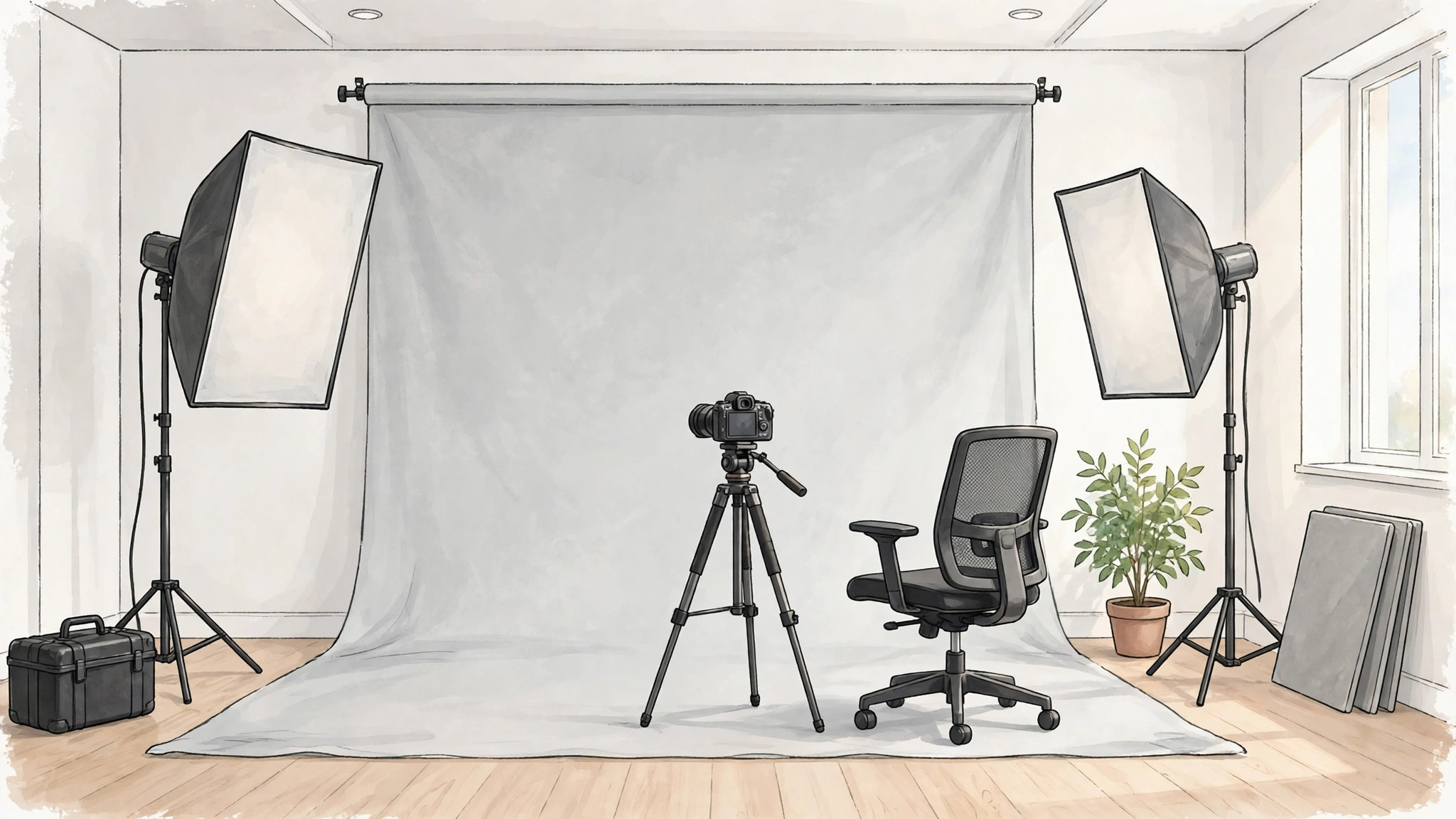
A good corporate portrait used to mean booking a photographer, finding a studio, and waiting days for retouched files. An ai business headshot generator changes that routine completely. You upload a small set of clear selfies, choose a style, and the tool builds polished, studio-style portraits that keep your face recognisable while upgrading the lighting, outfit, and background.
This guide explains how a headshot ai generator actually works, what separates a believable result from an obvious fake, and how to pick the right service for LinkedIn, a company website, a resume, or a full remote team page. If you are new to AI images in general, our beginner walkthrough on how to create AI images is a useful place to start before you upload anything.
ai pro headshots
The phrase ai pro headshots covers a simple promise: portraits that look like they came from a professional session, without the session itself. The best tools study the photos you upload, learn the shape of your face, your hairline, and your skin tone, and then render new portraits in business settings you never actually visited.
That matters because a headshot is rarely decoration. Recruiters, clients, and conference organisers form a first impression from it in seconds. A clean, well-lit portrait signals that you take your work seriously, while a cropped party photo or a dark car selfie quietly does the opposite.
Pro-level results share a few traits you can check before paying for anything. The eyes should look natural and catch the light the same way in every portrait. Teeth, ears, and jewellery should not melt or duplicate. The background should sit slightly out of focus, like a real lens produced it, instead of looking pasted on.
Most services let you preview a small set of free or low-cost samples before you commit to a full package. Use that preview properly. Zoom in, compare the portrait against a recent photo of yourself, and ask whether a colleague who knows you would recognise you instantly. If the answer takes more than a second, keep looking.
ai business headshot generator
So what happens inside an ai business headshot generator from the moment you upload your photos? The workflow is similar across most leading tools, even though each service packages it differently.
First, you upload a set of clear selfies or casual photos. Many tools ask for several images taken in different light and at slightly different angles, because varied inputs help the model understand your face. A smaller group of newer tools works from a single photo, using a general image model rather than training one on your face.
Second, the service builds a representation of your identity. In training-based tools, this step can take a while, because the model is effectively learning what makes your face yours. In single-photo tools, this step is almost instant, but the likeness can be less stable across many different styles.
Third, you choose outfits, backdrops, and moods. Typical options include studio grey, a bright modern office, an outdoor city setting, and plain backgrounds in brand colours. Finally, the tool renders a gallery of portraits, and you download the ones that genuinely look like you on a very good day.
One tool worth knowing in this space is Ideogram, whose Character feature is built around keeping one person’s identity consistent across new images, including professional portraits. You can read how that reference-image workflow works on Ideogram’s official Character page, and compare it with dedicated headshot services before you decide.
professional headshots generator
A professional headshots generator is only as good as the photos you feed it, so preparation matters more than most people expect. A few simple habits dramatically improve the gallery you get back.
- Upload recent photos that show your current hairstyle, glasses, and facial hair.
- Use plain, well-lit shots where your face is large in the frame and not covered by sunglasses, hats, or heavy filters.
- Mix angles and expressions, including a relaxed smile and a neutral look, rather than ten copies of the same selfie.
- Avoid group photos where another person’s face is close to yours, because mixed inputs can confuse the model.
- Skip heavily edited beauty-filter photos, since the tool will learn the filter instead of your real features.
Once your gallery arrives, judge it like a photographer would. Check that the collar, tie, or necklace sits correctly, that hands are not awkwardly cropped into the frame, and that the lighting direction matches the background. Small errors are common in AI portraits, and the honest services give you enough variations that you can simply discard the flawed ones.
Think about where the portrait will live, too. LinkedIn and company team pages usually crop images into circles or squares, so pick a version with headroom around your face and shoulders. For speaker bios and press pages, a wider crop with more background often looks better and gives designers room to work.
professional headshots ai generator
Searching for a professional headshots ai generator brings up dozens of services that all promise studio quality in minutes. The honest differences between them sit in five places: likeness, style range, turnaround time, image rights, and privacy handling.
Likeness is the deal-breaker. Some tools produce beautiful portraits of a stranger who vaguely resembles you, which is useless for a professional profile. Read recent reviews, look at unedited sample galleries, and prefer services that show real before-and-after examples rather than only their best cherry-picked results.
Style range matters if you need more than one look. A founder might want a formal boardroom portrait, a friendly smart-casual shot for social media, and a clean studio portrait for a book cover. Check that the catalogue covers your industry, because a look that suits a tech startup can feel wrong for law or finance.
Privacy deserves a direct question before you upload anything. Your face is sensitive personal data. Look for a clear policy that explains how long uploads are stored, whether they are used to train shared models, and how to delete your data completely. Reputable services state a deletion window and let you remove your gallery from your account dashboard.
Pricing models vary just as much. Some services charge a one-time fee per headshot package, while others sell subscriptions aimed at teams that onboard new staff regularly. Because packages and prices change often, compare the current offer on each service’s own site, and count the real cost per usable portrait, not per generated image. If half the gallery misses the likeness, the cheap package was not cheap.
For a wider view of how modern image tools handle prompts and styles, our explainer on text to image AI tools and prompts shows the technology that sits underneath most of these generators.
Who should use an AI headshot, and who should not
An ai business headshot generator is a strong fit for remote workers refreshing a LinkedIn profile, freelancers who need a consistent look across platforms, job seekers updating a resume, and distributed teams that want matching portraits without flying everyone to one city. Startups use team packages so every employee page shows the same lighting, backdrop, and framing.
There are honest limits. If you are an actor or model, casting directors usually expect conventional photography that shows exactly how you look today, unretouched. Senior executives preparing for major press coverage may also prefer a real photographer who can direct a session around a specific story. And if a generated portrait stops looking like you, using it crosses from convenient into misleading.
A practical middle path works for many professionals. Generate a set with AI for everyday profiles and internal pages, then book a photographer for the one or two hero images your career really depends on. The AI set keeps everything current in the meantime, at a fraction of the cost of repeated studio sessions.
Choosing the right package for your role
Different jobs need different portraits, and picking a style that matches your industry saves you from a gallery you cannot use. Finance, law, and consulting still reward the classic look: a dark blazer, a plain studio background, and a calm, direct expression. The setting whispers stability, which is exactly what clients in those fields are buying.
Creative and technology roles allow more range. A smart-casual outfit, a bright office backdrop, or even an outdoor city scene can feel more honest for a designer, a marketer, or a startup founder. The portrait still needs clean light and a tidy frame, but the mood can be warmer and more personal without hurting credibility.
If you work in sales, real estate, or coaching, approachability usually beats formality. A genuine, relaxed smile and softer background tones tend to perform better than a stiff executive pose, because your face is part of the sales conversation. Whatever your field, generate at least two looks, live with them for a day, and choose the one that still feels like you tomorrow morning.
Frequently asked questions
How many photos do I need to upload?
It depends on the tool. Training-based services usually ask for a small set of clear photos, often somewhere between six and fifteen, taken in varied light and angles. Newer single-photo tools need just one good selfie, but their likeness across many styles can be less consistent. Follow the service’s own upload guidance, because it is written for its specific model.
Will people be able to tell my headshot was made by AI?
At a glance, a good result is hard to spot, especially at profile-picture size. Closer inspection can reveal clues in jewellery, glasses, hair edges, or background details. Choosing the most natural portrait in your gallery, rather than the most glamorous one, keeps the result believable.
Can I use AI headshots for a whole team?
Yes, and consistency is the main reason companies do it. Each team member uploads their own photos and generates portraits with the same style settings, so the finished page shares one lighting style, backdrop, and crop. Check the service’s team terms and make sure every employee is comfortable with how their uploads are stored.
Do I own the headshots I generate?
Most paid services grant you broad rights to use your finished portraits for profiles, websites, and marketing, but the exact licence lives in each service’s terms. Read them before using a portrait in advertising, and never generate headshots of another person without their clear permission.
Conclusion
An ai business headshot generator will not replace great photography, but it has honestly earned its place as the fast, affordable option for everyday professional portraits. Prepare good input photos, judge the gallery with a cold eye, check the privacy policy and licence, and pick the portrait that looks like you on your best normal day. Done well, nobody viewing your profile will think about the tool at all. They will simply think you look professional, which was the point. If you want to explore the wider category first, our roundup of AI tools and stock resources from Freepik shows how these generators sit inside a broader creative workflow.
